
Screen-Sign up Link
To access the sign up screen ,user must click on sign up link on sign in screen which redirects the user to sign screen as shown below.

Screen-Sign up
User must enter the valid email id,password and select the term and condition check box before clicking on sign up button.
An existing email address can be used to sign up for CRM FAB Builder. During a sign-in process, users can create secure passwords that do not need to match the password of their email account.
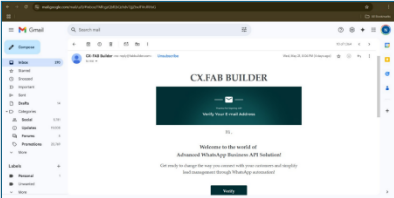
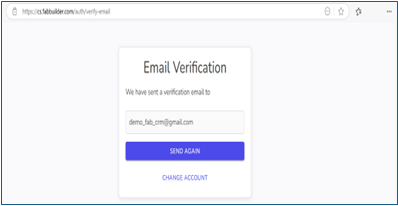
After signing up, a verification email is sent to the registered email address. The user must open this email and click on the verification link. This step redirects the user to the email Verification page as shown.
As above in the sample email, the user will find a “Verify” button to confirm his/her sign-up email for CRM FAB Builder. The email is typically sent from no-reply@fabbuilder.com.