This screen allows administrators to monitor user details, manage access, control security, and handle permissions for team members within the CRM workspace.
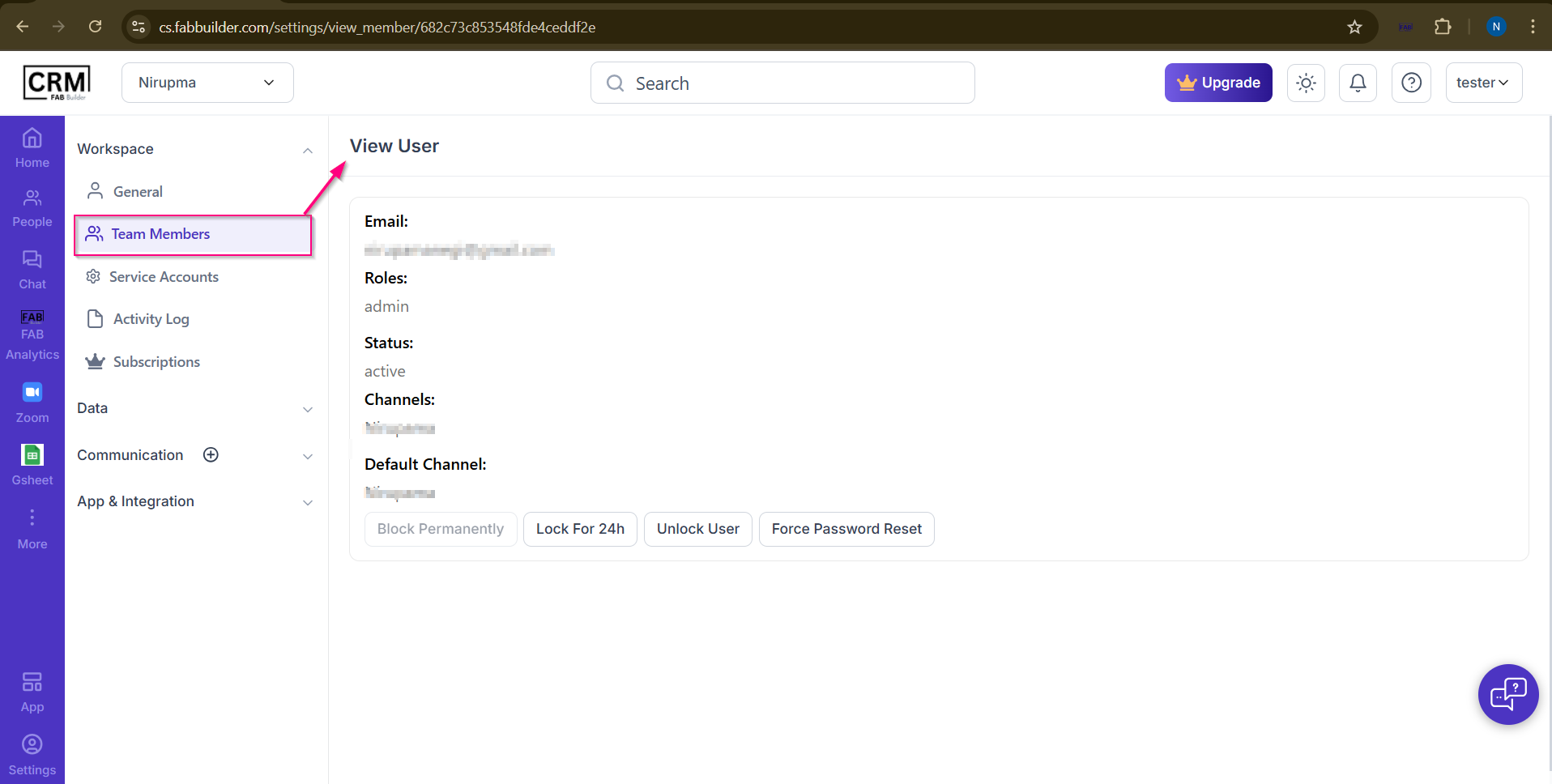
User can navigate this screen by clicking on Settings → Team Members → View User
Details Displayed:
- Email: Registered email ID of the team member.
- Roles: Assigned role (e.g., Admin).
- Status: Current account status (Active/Inactive).
- Channels: Communication channels assigned to the user.
- Default Channel: Primary channel used for conversations.
User Management Actions:
- Block Permanently: Restrict user access permanently.
- Lock for 24h: Temporarily lock the account for 24 hours.
- Unlock User: Restore access to a locked account.
- Force Password Reset: Require the user to reset their password on next login.