Tags ScreenNavigation: PurposeThe Tags screen is used to create and manage tags for organizing and categorizing contacts or leads. Tags help users group records based on specific criteria, making it easier to filter, segment, and manage data. Screen Components1. Tag Information PanelProvides an overview of tags and their purpose within the CRM.
2. Add TagAllows users to create a new tag. 3. Tags ListDisplays all available tags along with the following details:
4. ActionAllows users to manage existing tags.
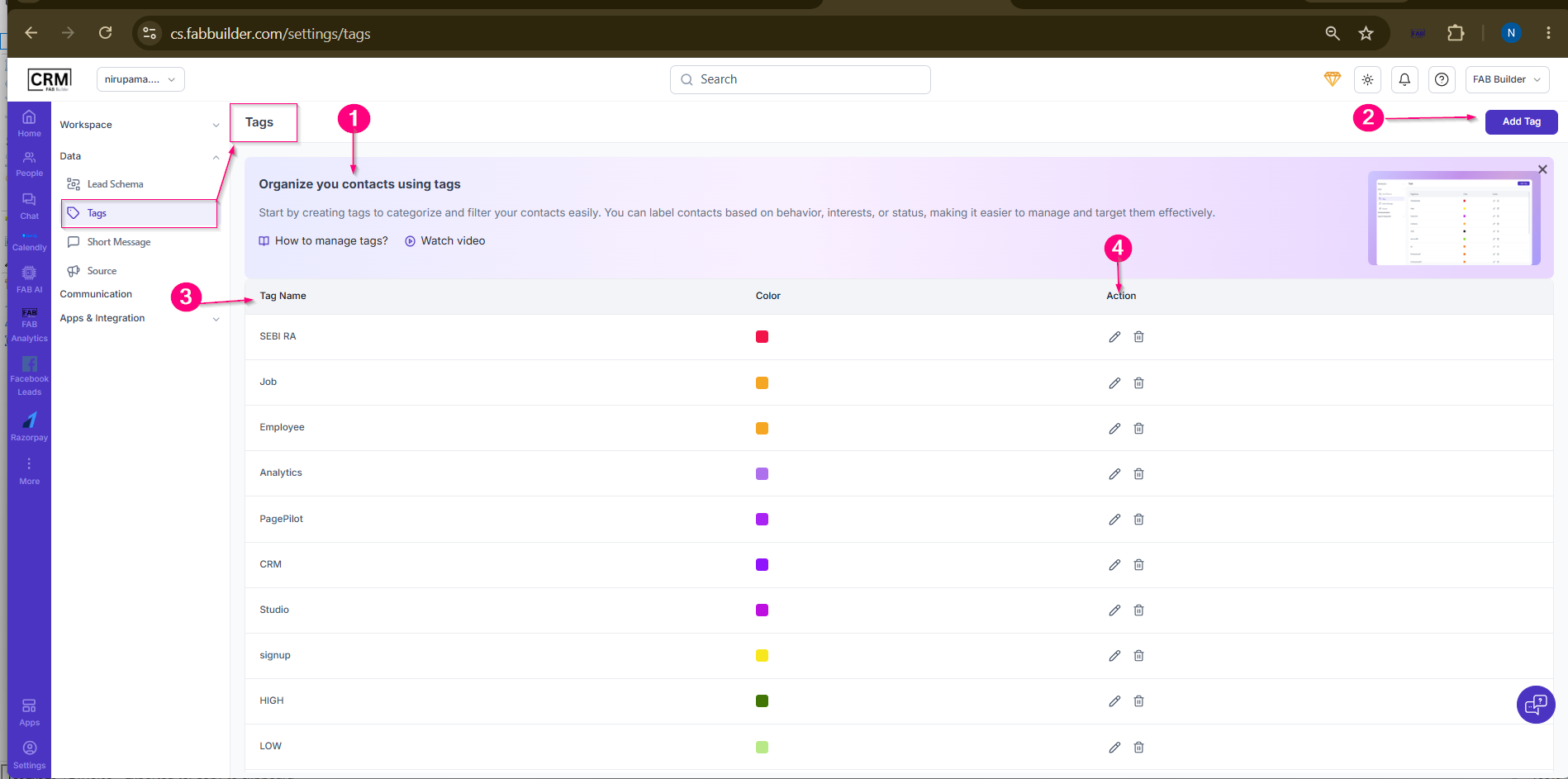 Screen- Tag Configuration Screen |