The My Account screen allows users to view and update their personal profile and security settings in the CRM.
Users can access this screen from the left navigation sidebar by going to:
Settings → My Account
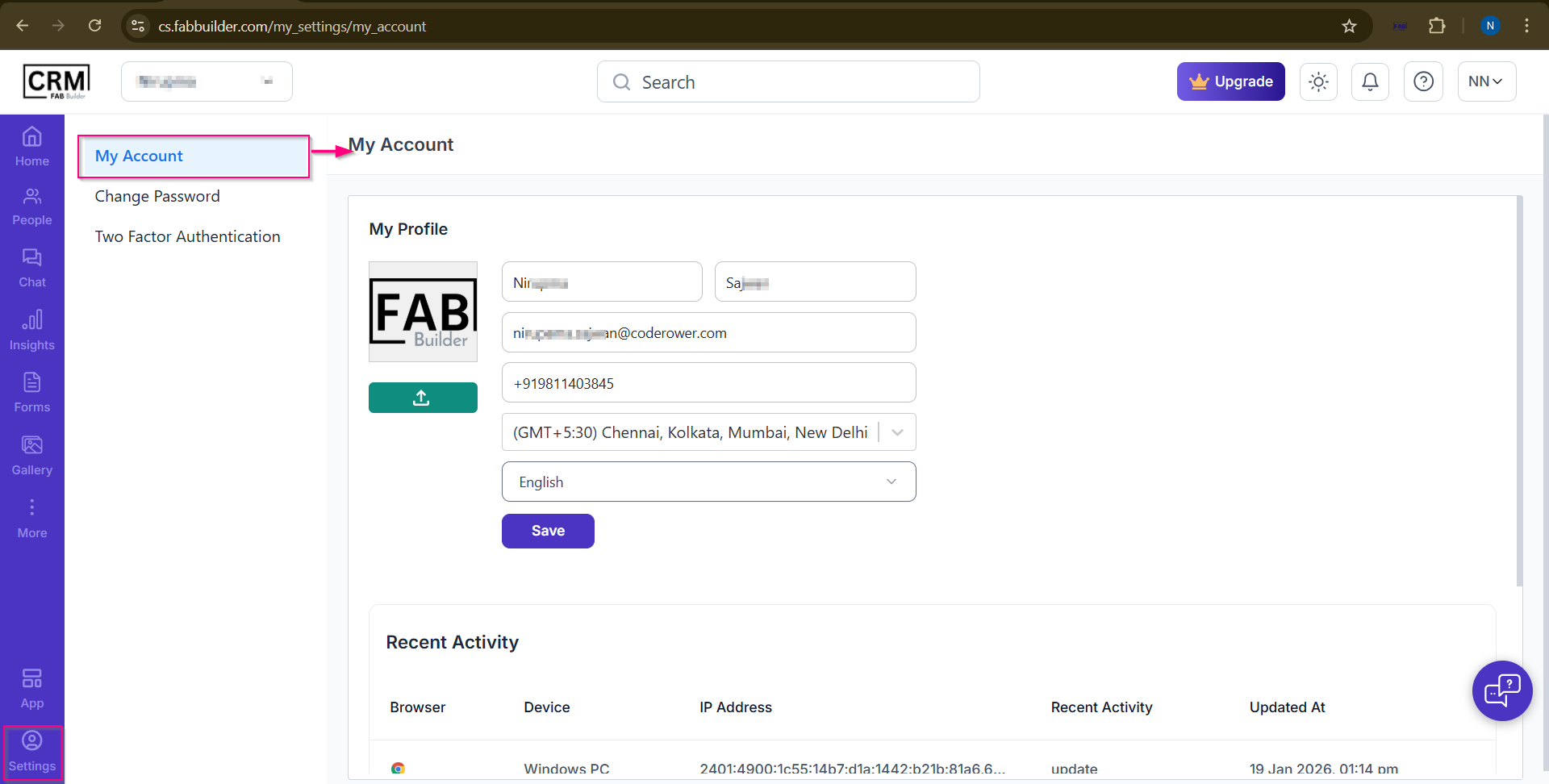
My Account Screen
Screen overview
a. My Profile
This section is used to update personal details:
- Profile Image – Upload or change your profile picture
- First Name & Last Name – Edit your name
- Email – Displays your registered email address
- Phone Number – Update your contact number
- Time Zone – Select your local time zone
- Language – Choose your preferred language
Click Save to apply the changes.
b. Recent Activity
This section shows recent account activity such as Browser used,Device details,IP address,Recent updates, madeDate, and time of activity