This screen shows detailed logs of automation flow execution for each lead and node
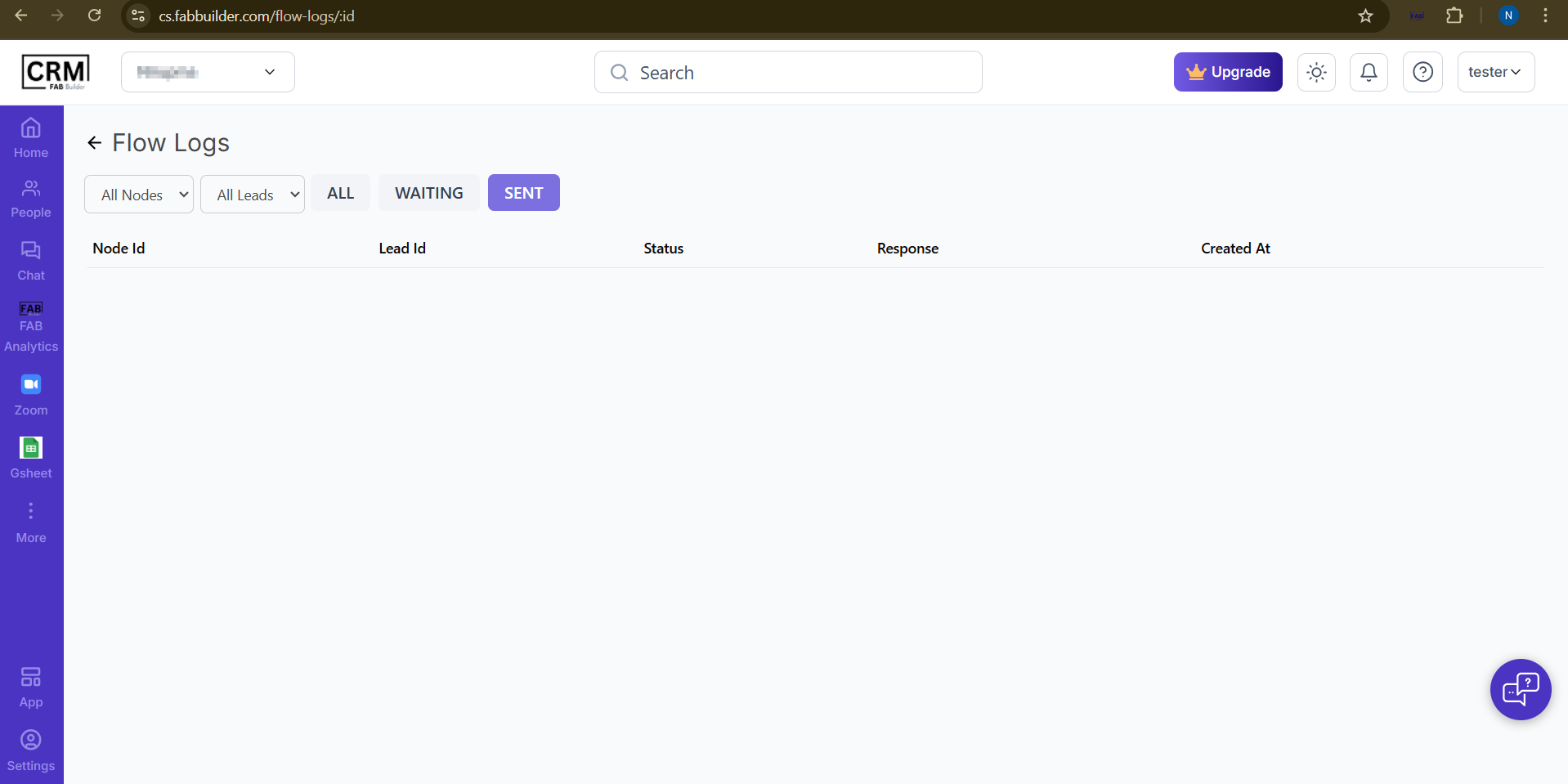 .The Flow Logs screen displays the execution history of automation workflows. It allows users to track each node’s activity for individual leads, view the delivery status, system responses, and the time when each action was triggered. Filters such as node, lead, and status help users quickly monitor sent, waiting, or completed flow actions.