Instagram Integration with FAB CRMOverviewThe Instagram integration enables FAB CRM to connect with Instagram accounts and manage social interactions directly within the CRM.
It allows businesses to handle messages, comments, and engagement activities in one centralized platform, improving customer communication and social media management efficiency.
PrerequisitesEnsure the following before starting the integration:
How to Configure Instagram IntegrationFollow the steps below to connect Instagram with FAB CRM: Step 1: Connect Instagram Account : Click on the “Connect Instagram” option inside the integration screen. This will redirect you to Instagram login page. 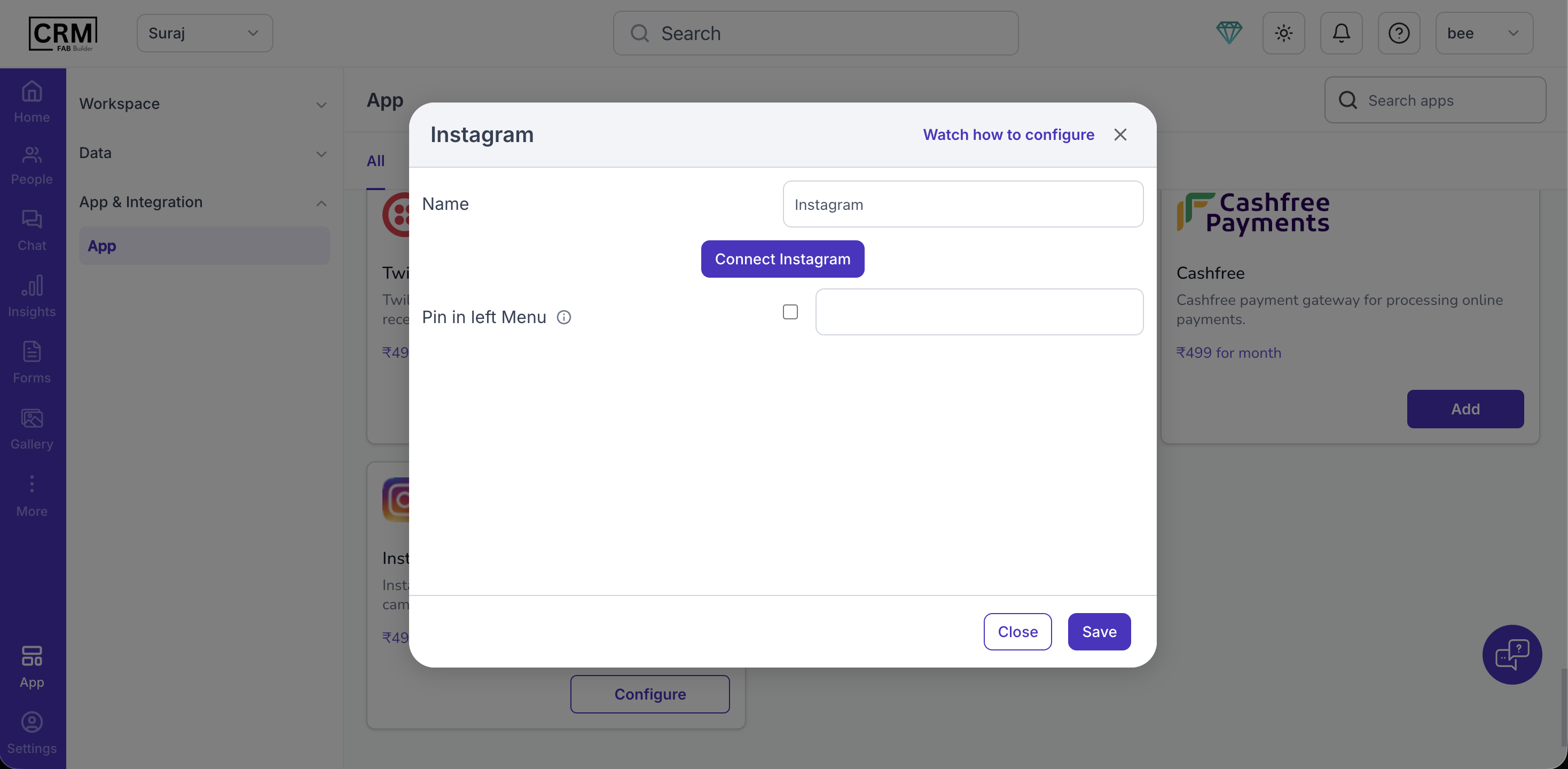 Step 2: Enter Login Credentials Provide your Instagram account details:
Then click Login 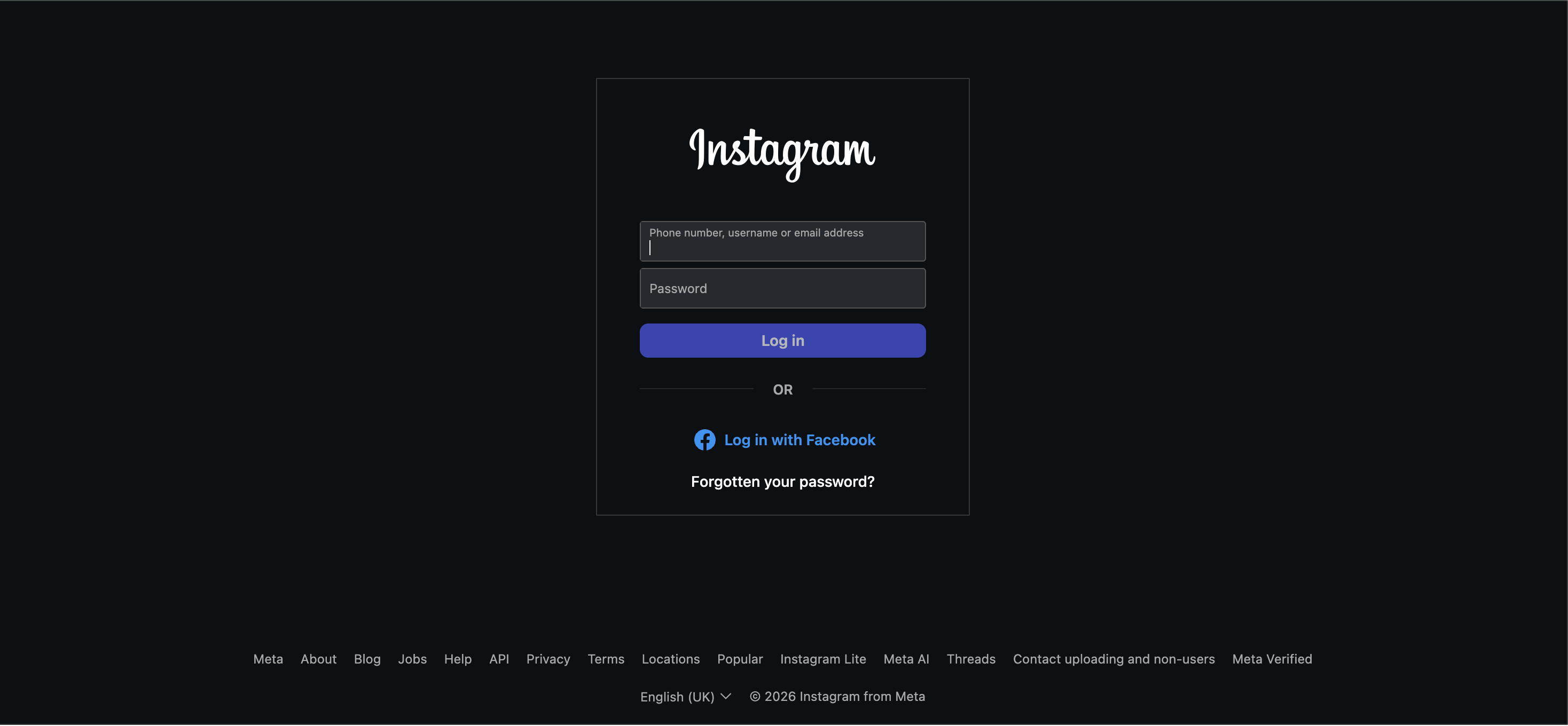 Step 3: Grant Permissions After login, Instagram will ask for permissions. Select the required access permissions such as:
Check all required permission checkboxes Step 4: Allow Access Click on “Allow” to grant permission to FAB CRM. This completes the authentication process. 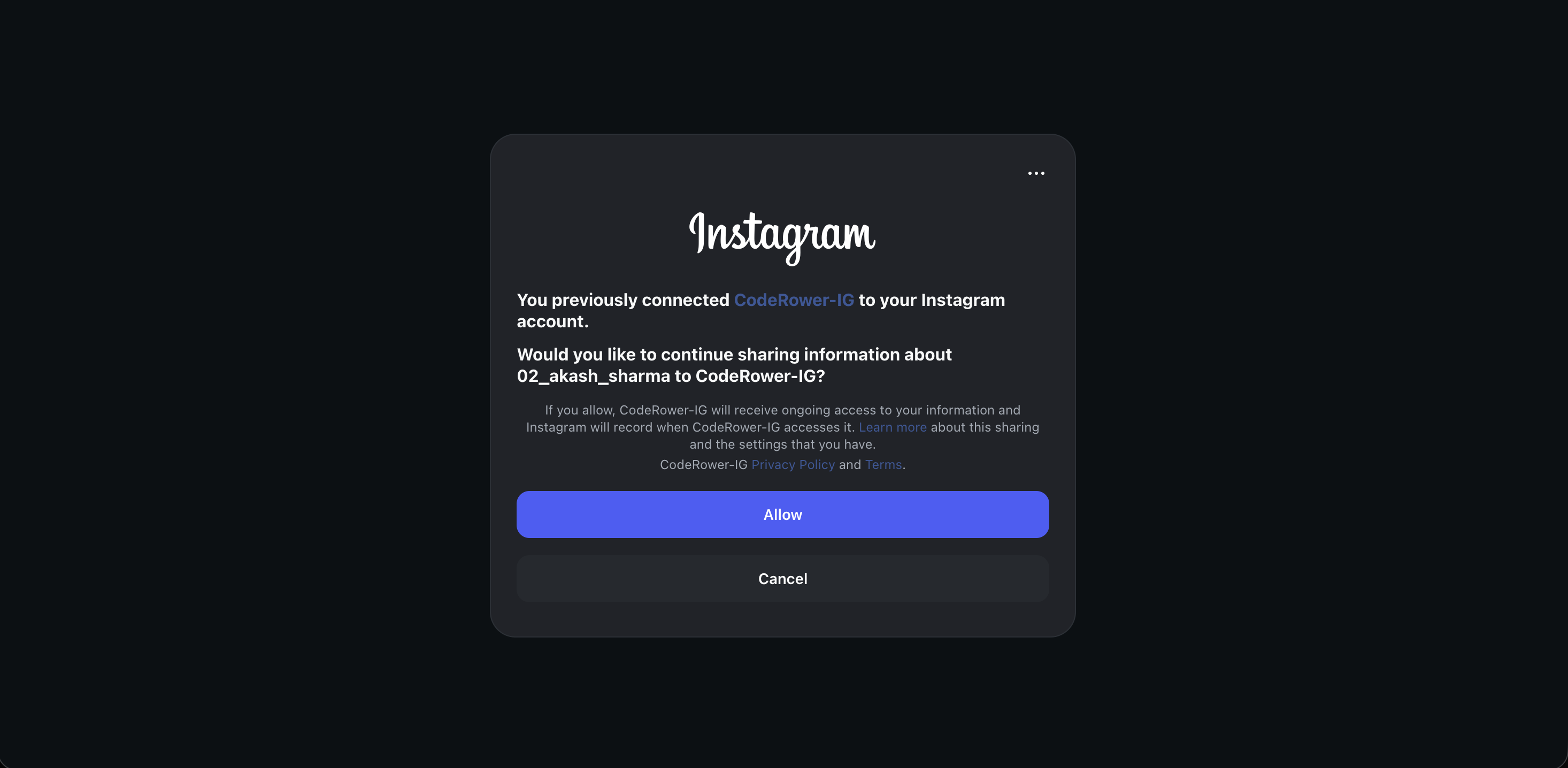 Final Flow: Connect Instagram → Login → Select Permissions → Allow Access → Integration Active Final Step (Activation) After successfully Instagram integration and enabling the app, the Instagram module will appear in the FAB CRM sidebar. Clicking on the Instagram section confirms that the integration is active and ready to use. At this stage, the system is fully configured and you are good to go. 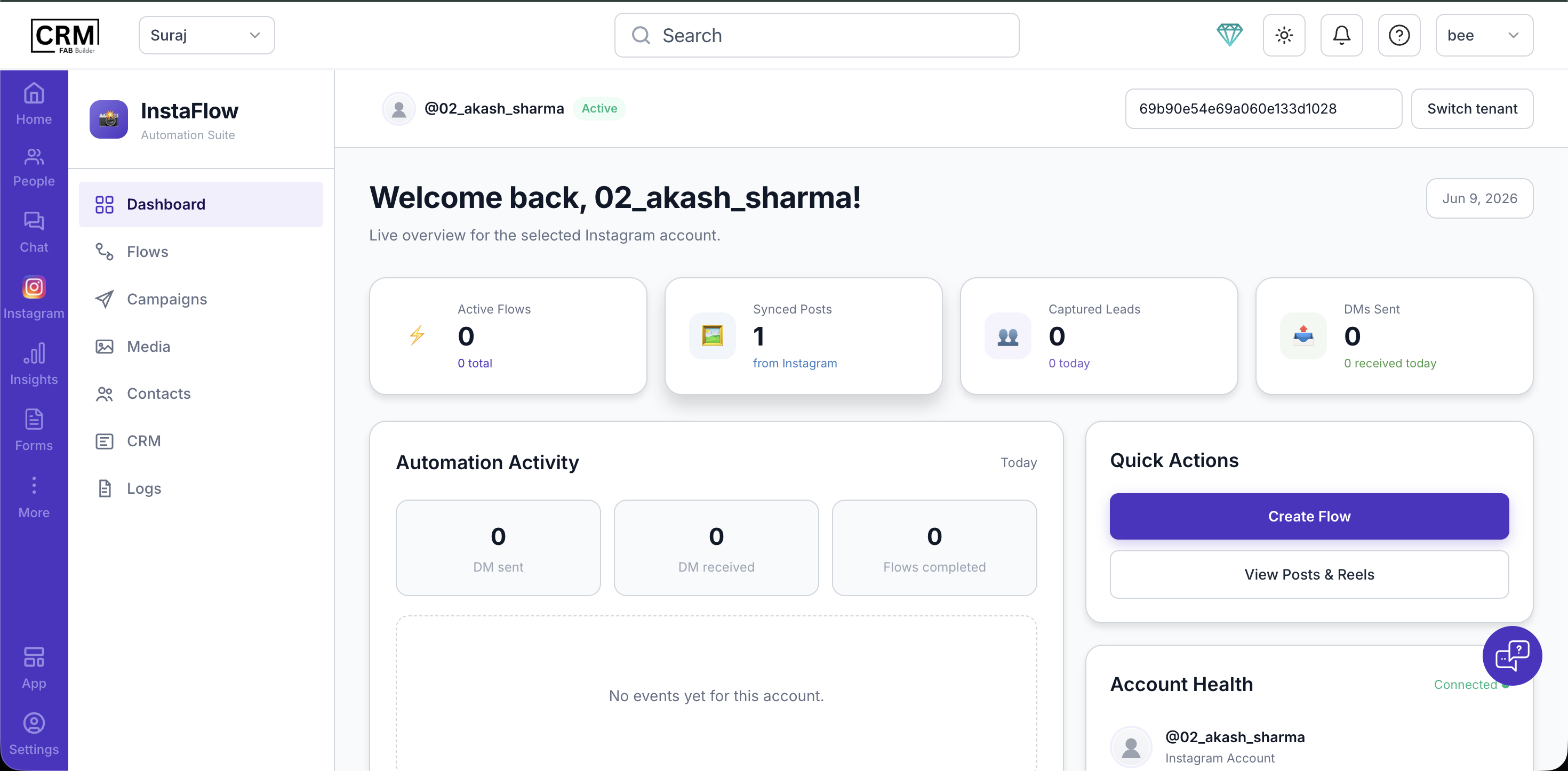 |