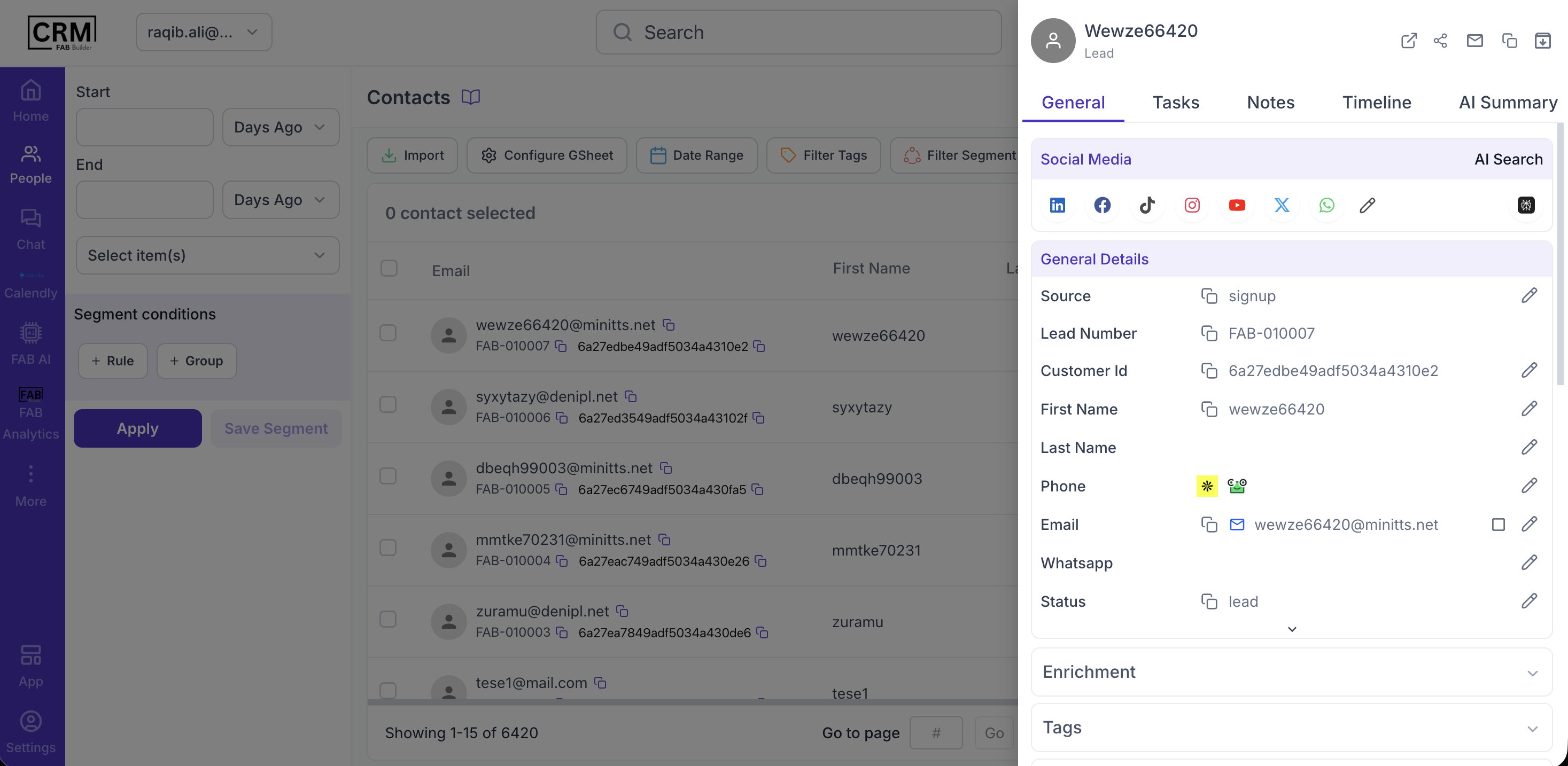
ContactOut Integration with FAB CRMOverviewContactOut integration enables the CRM to access contact discovery and enrichment services. It allows businesses to fetch verified contact details such as email addresses and phone numbers, helping improve lead generation and outreach efficiency. PrerequisitesEnsure the following before starting the integration:
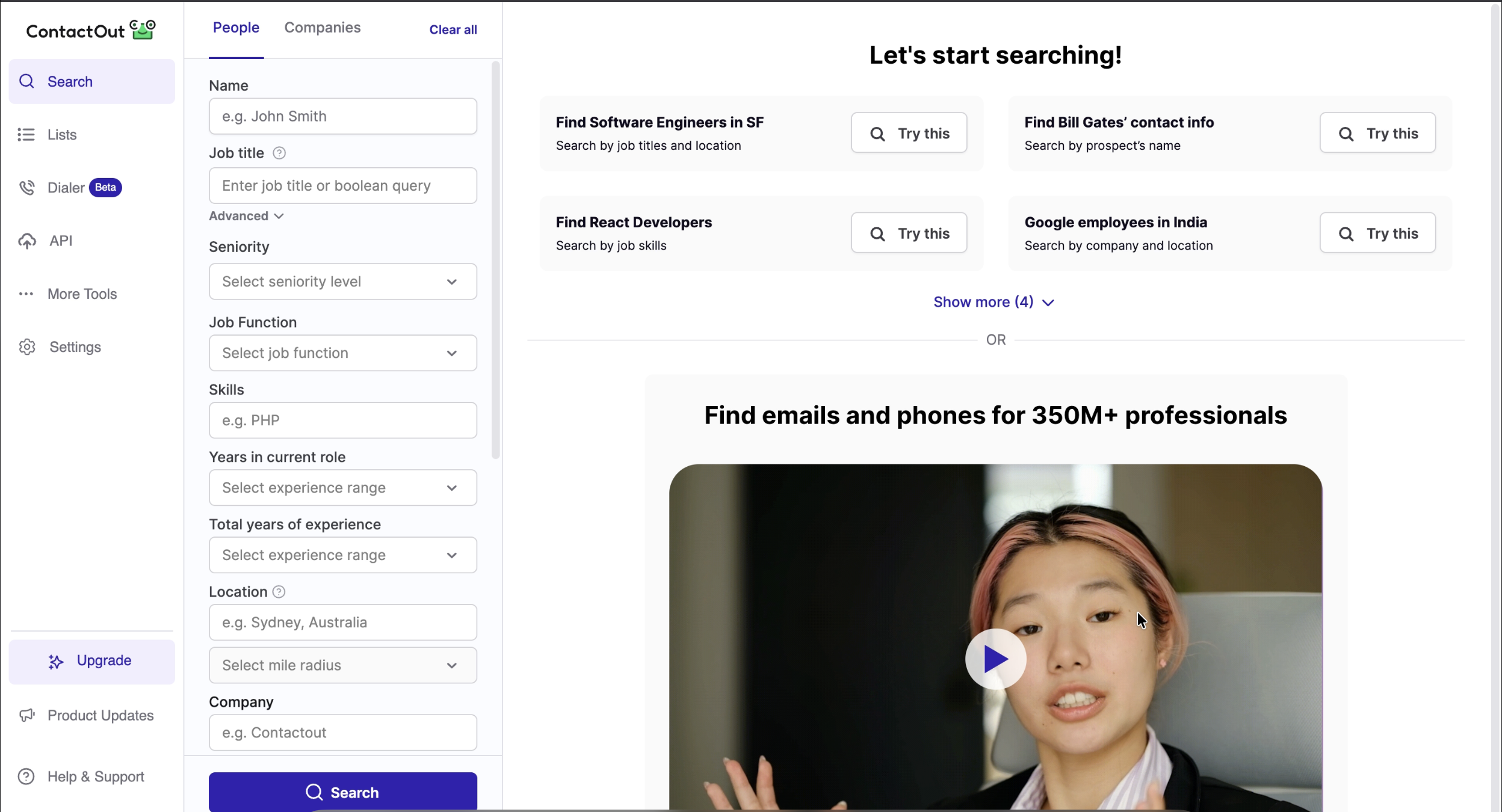
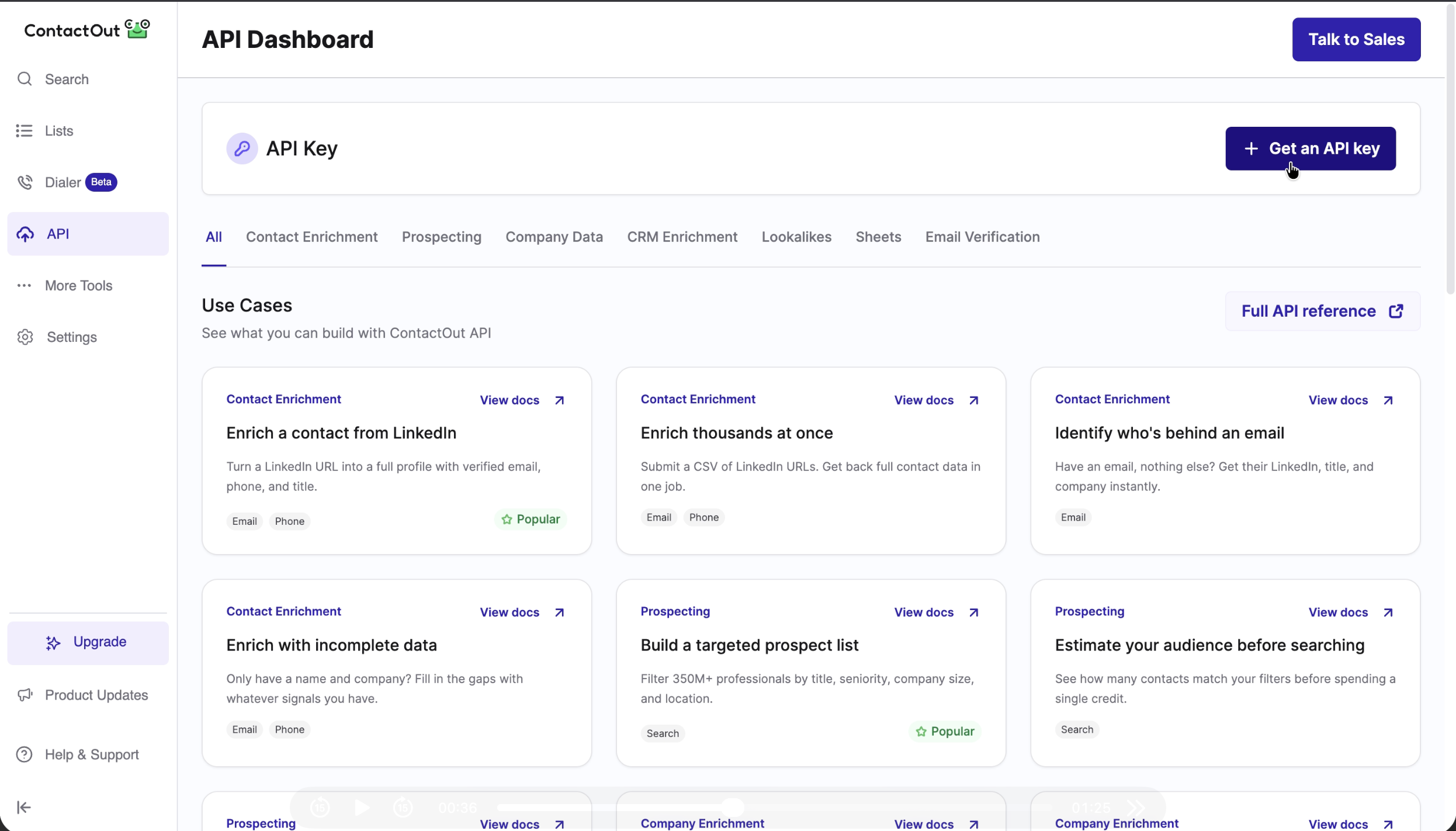
Important Note (Credentials)The API Key is required to connect FAB CRM with ContactOut. The API Key is generated and managed from the ContactOut dashboard after enabling API access. Where to Find the API Key? You can find or generate your API Key inside your ContactOut account. Steps to Get API Key:Step 1: Login to ContactOutSign in to your ContactOut account using your credentials. Step 2: Open API SectionFrom the left sidebar, click on: API This will redirect you to the API dashboard.
Step 3: Access API DashboardOn the API dashboard page, locate the “API Key” section. You will see a button labeled: Get an API Key
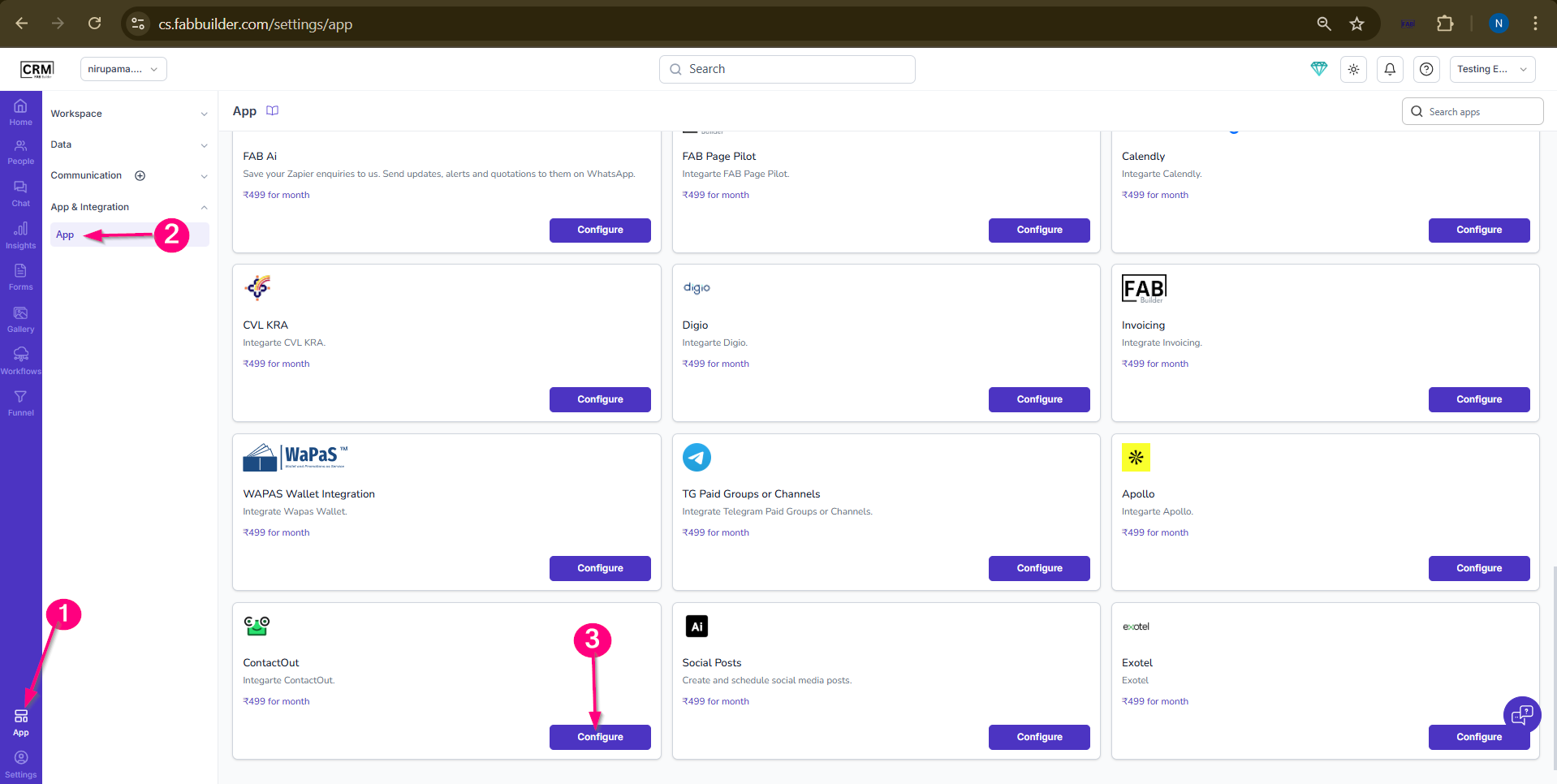
Step 4: Generate API KeyClick on Get an API Key button. The system will generate a unique API Key for your account. Configuration StepsAfter successfully logging in to the CRM system, follow the steps below to configure ContactOut:
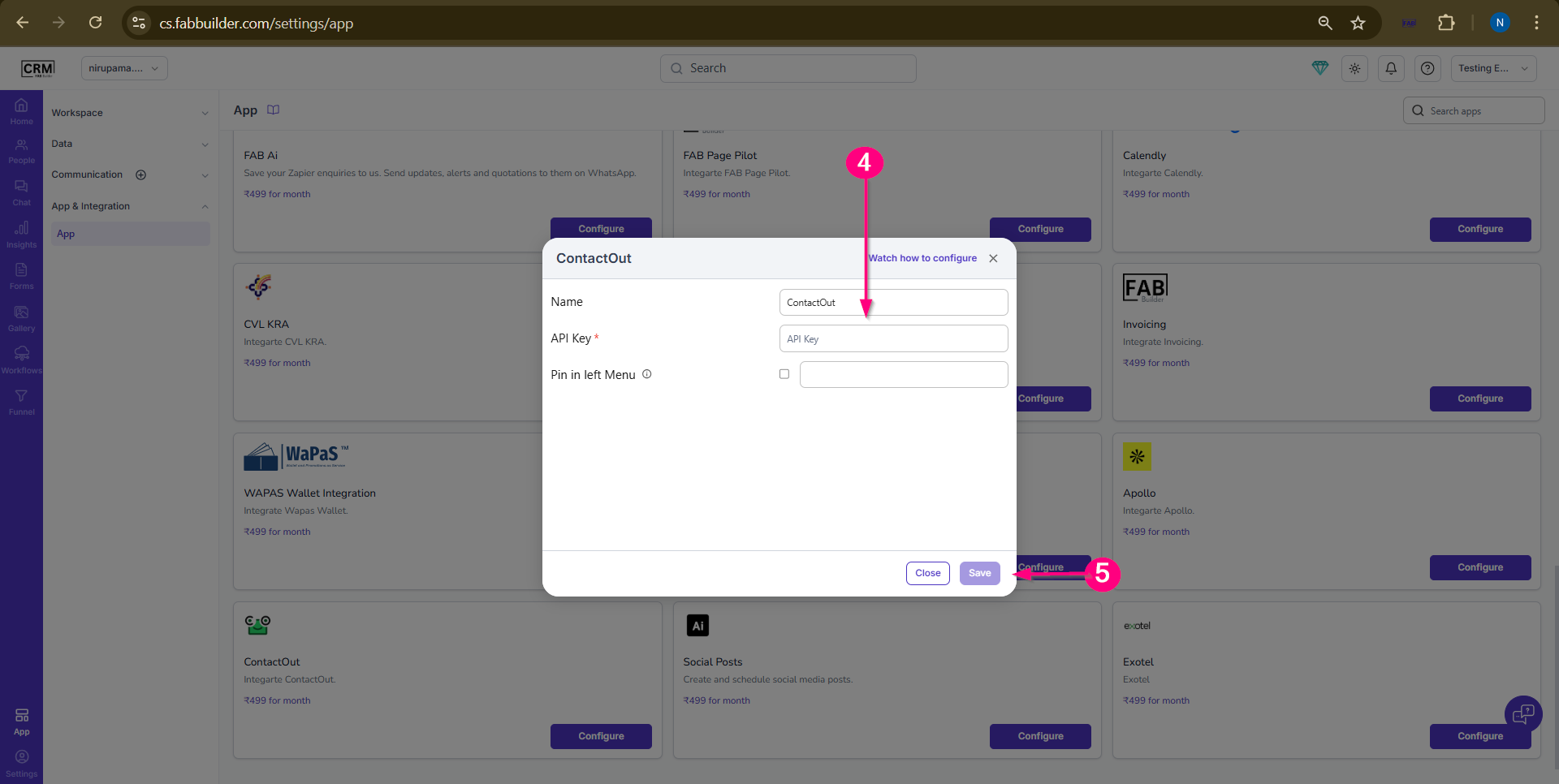
Screen- Step to Access App 4.Enter the required details:
5.Click on Save. |