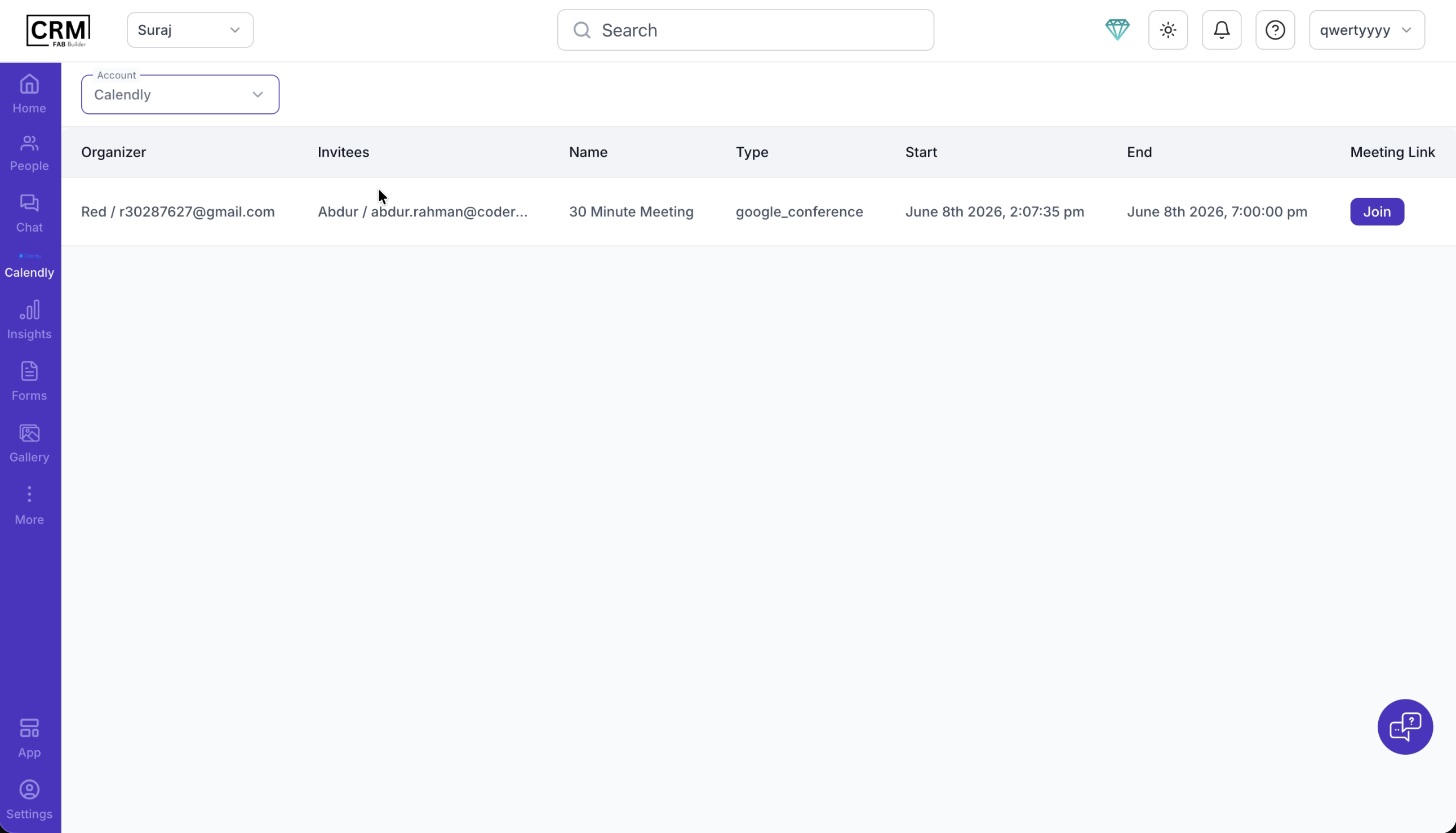
Calendly Integration with CRMOverviewThe Calendly integration enables automatic capture of meeting or appointment bookings into the CRM. Once configured, all scheduled events are synced with the CRM for efficient lead and appointment management. Prerequisites
Required Details
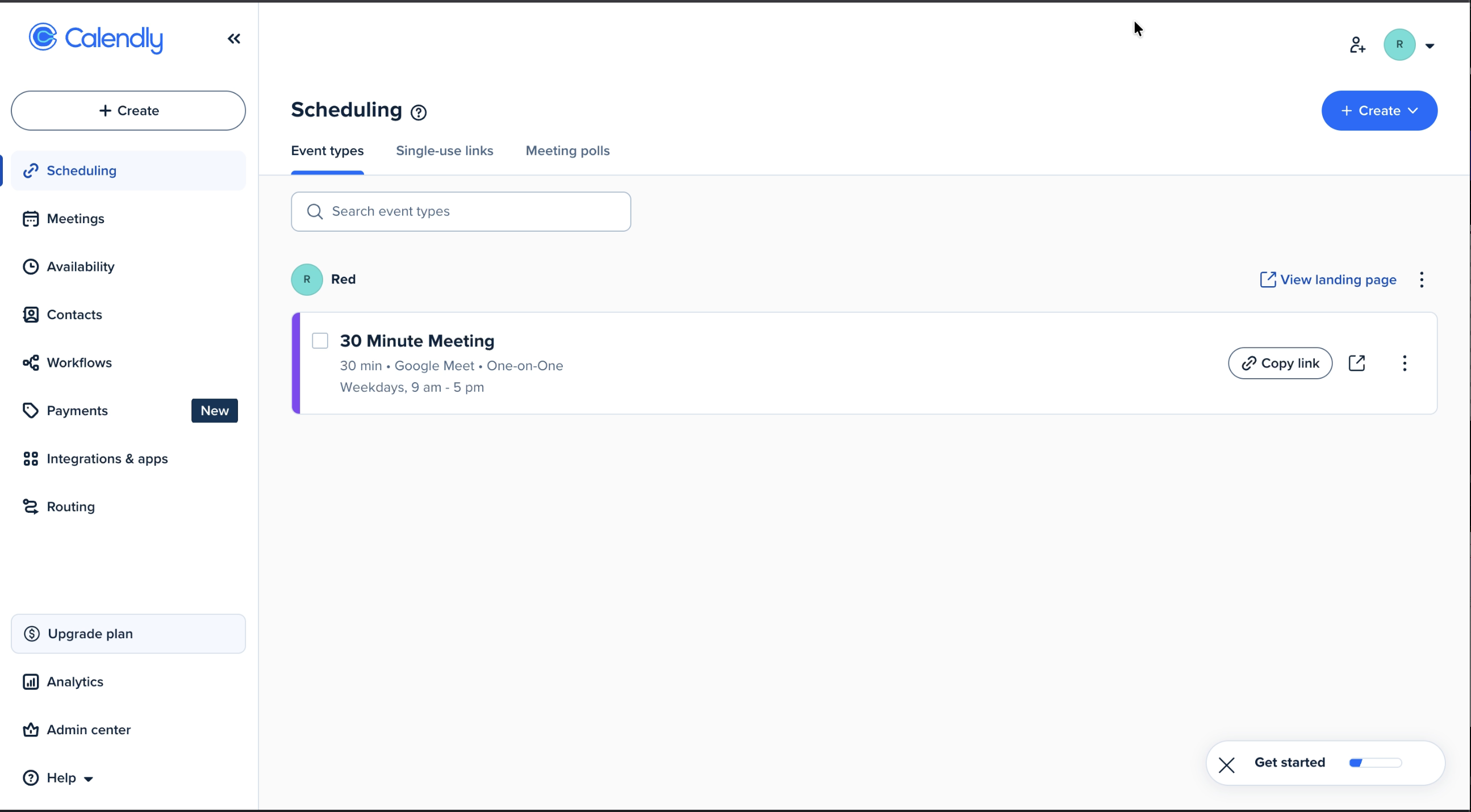
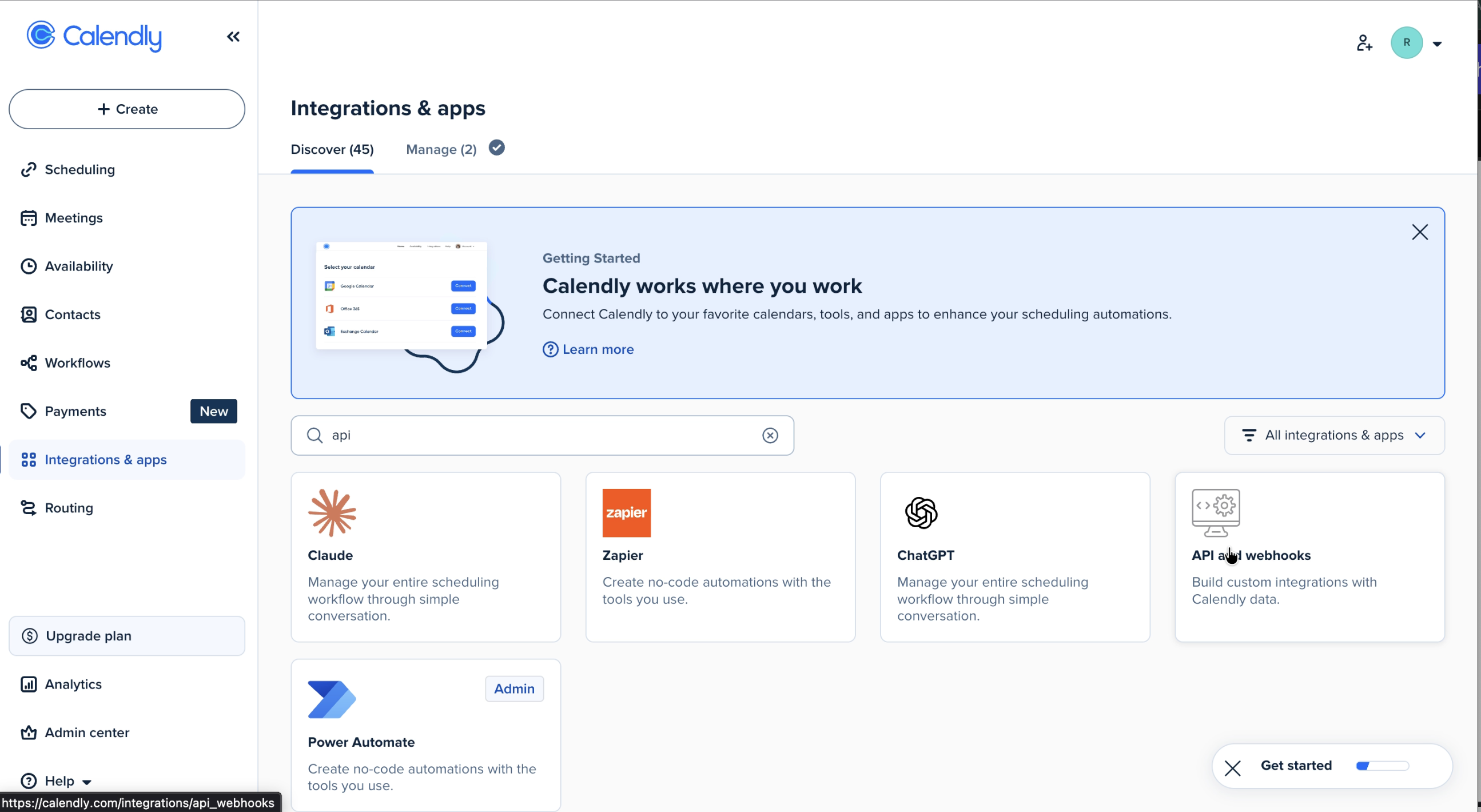
How to Get the PWA Token (Step-by-Step):Step 1: Open Calendly WebsiteGo to the official Calendly website and log in to your account. Step 2: Go to Integrations & App SettingsNavigate to: Integrations → API & WebhooksThen click on: API & Webhooks
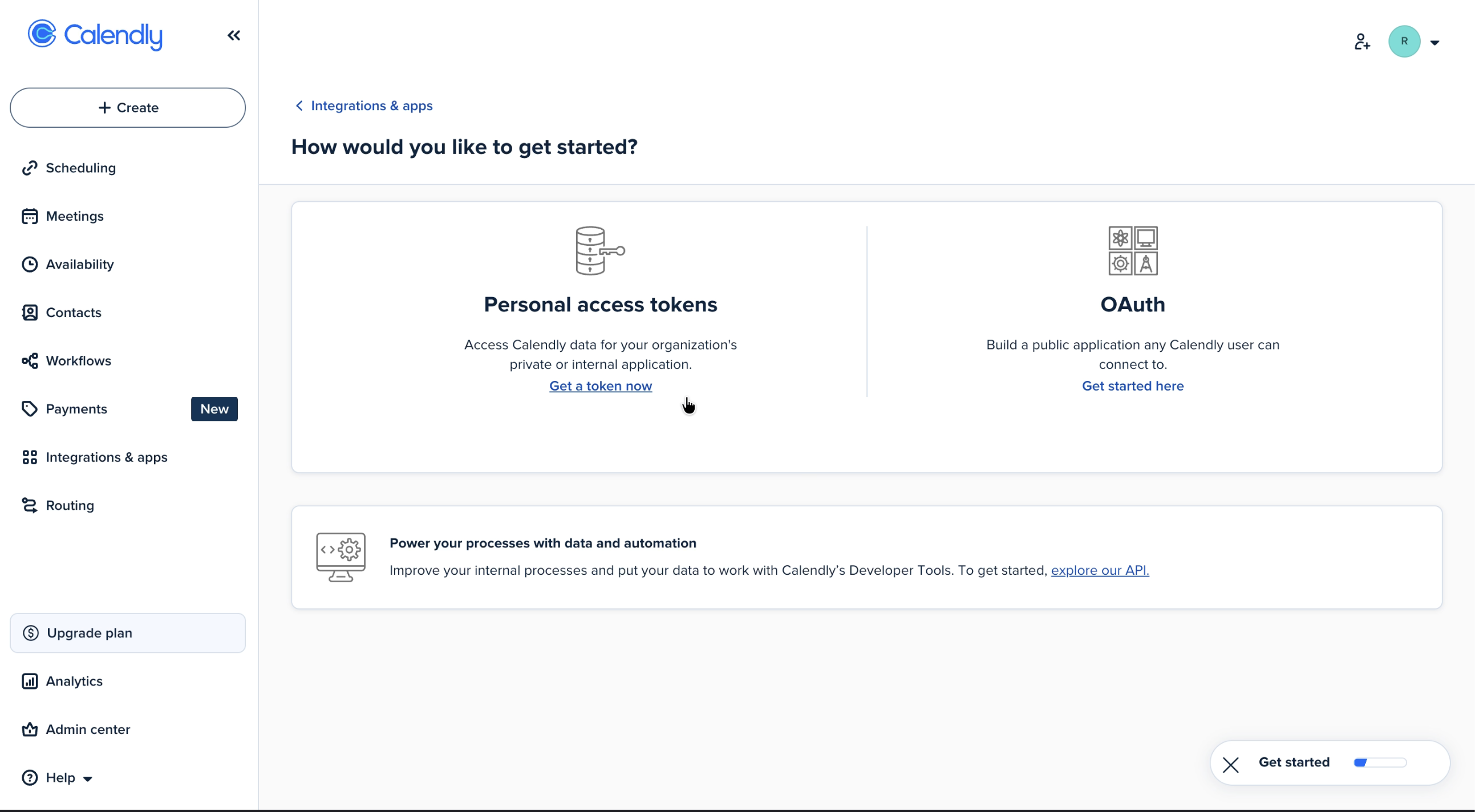
Step 3: Create Personal Access TokenInside the API section: Click on “Create Personal Access Token”
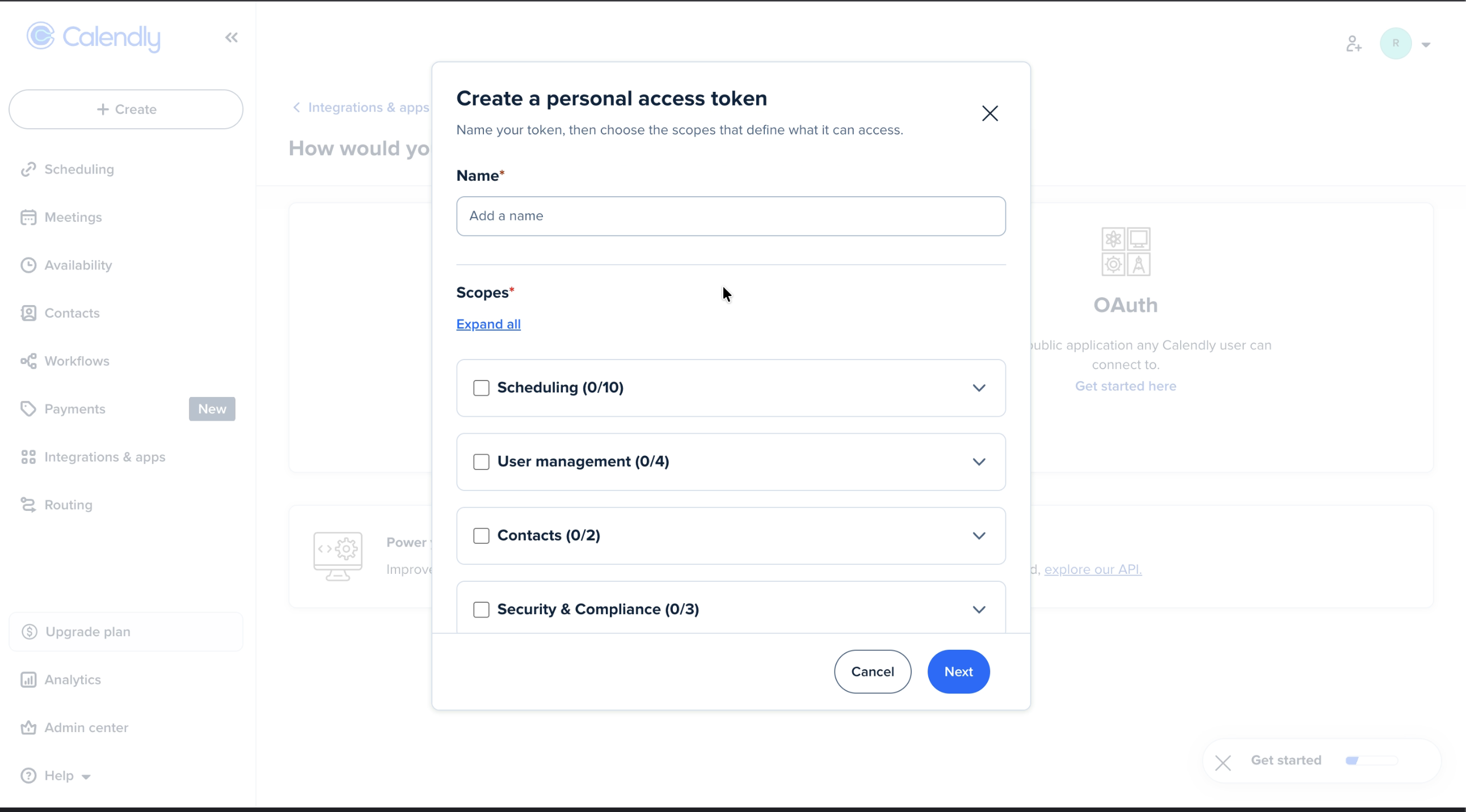
Step 4: Fill Token DetailsFill the required fields:
It is recommended to select all scopes to ensure full access.
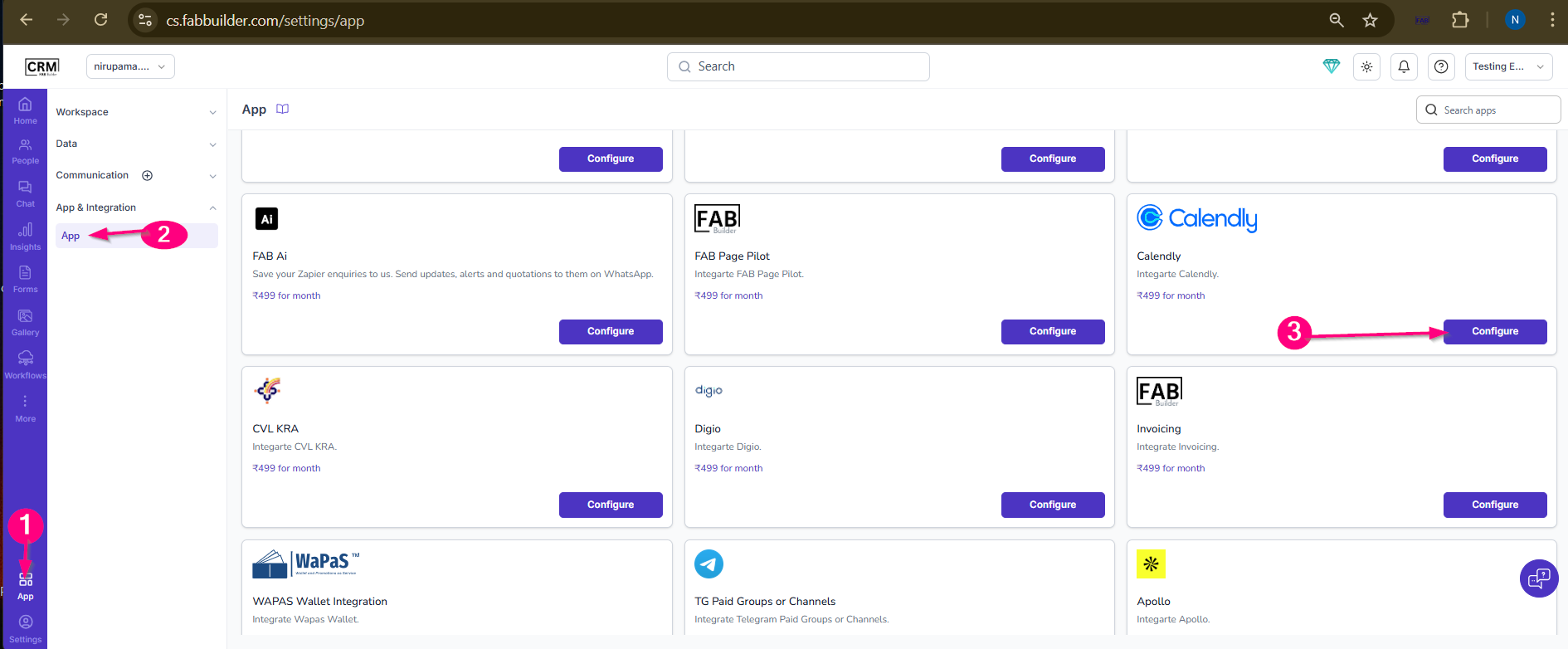
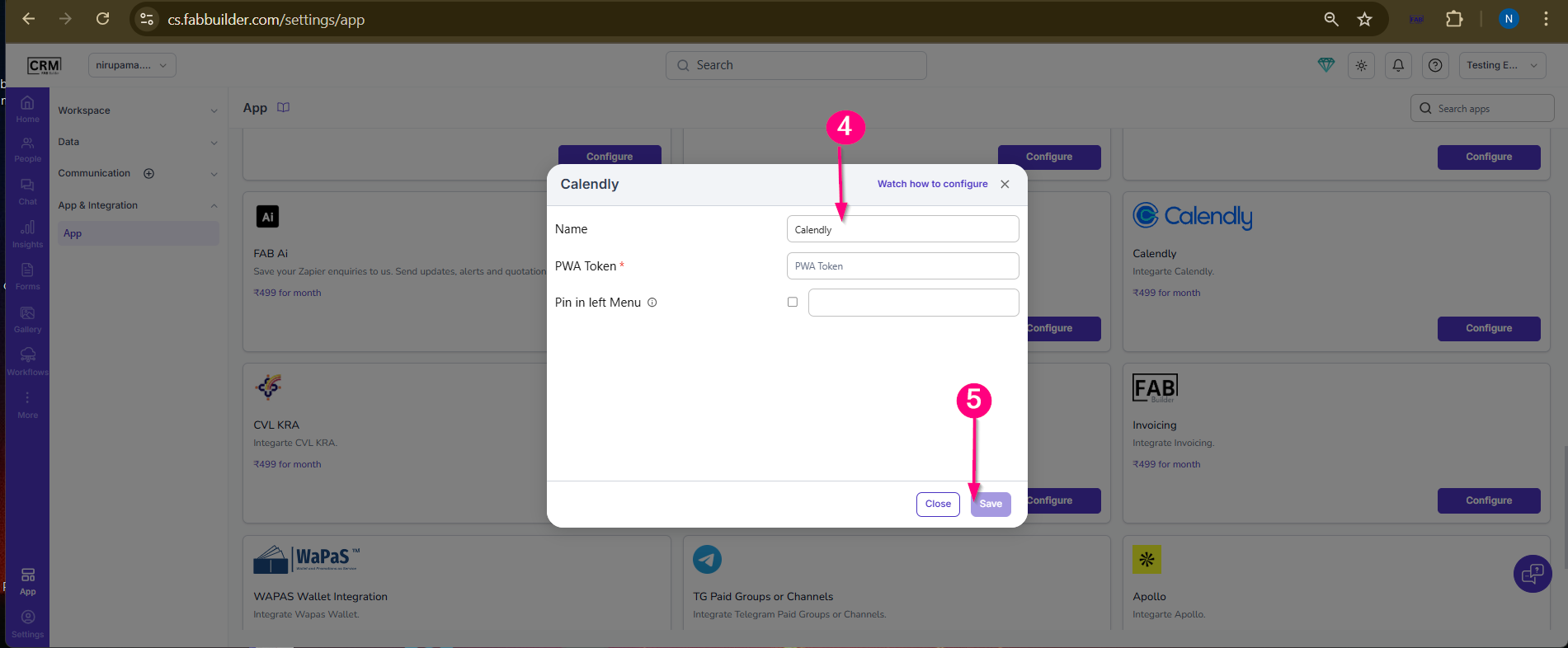
Step 5: Generate TokenClick Next to proceed. Final FlowCalendly Login → Integrations → API & Webhooks → Create Token → Verify OTP → Copy Token → Use in FAB CRM Integration FlowThe integration process takes place in two phases: configuration in the CRM and configuration in Calendly. Configuration in CRMAfter successful login, navigate to the App module from the left-side navigation panel.
|