Campaigns help you send messages to your audience automatically for marketing, reminders, or engagement.
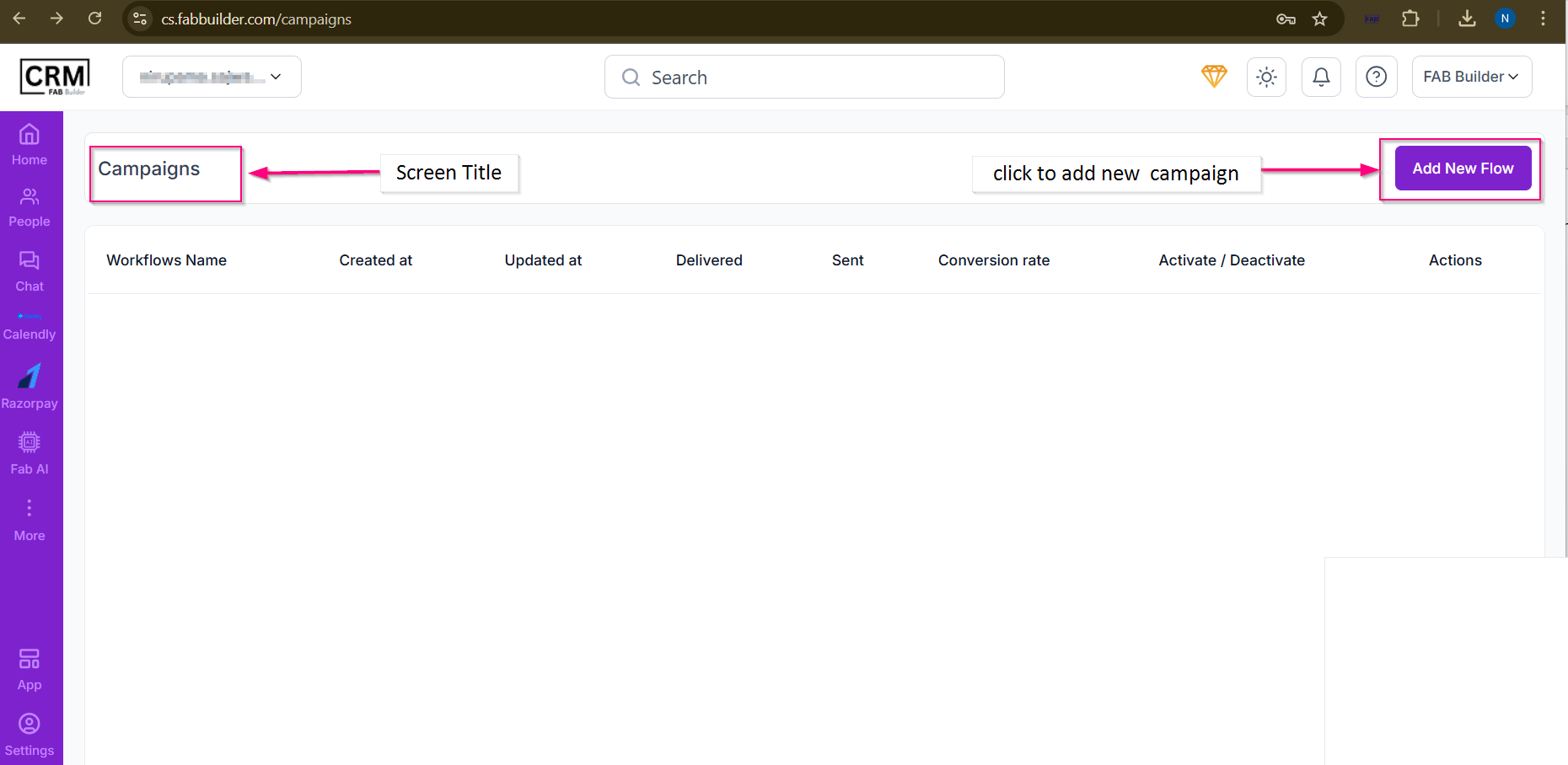
Screen- Campaign
New Campaign – Create Campaign Flow
This screen is used to create and launch a new campaign in the CRM and helps you create, schedule, and send automated campaigns to your audience in a step-by-step manner.
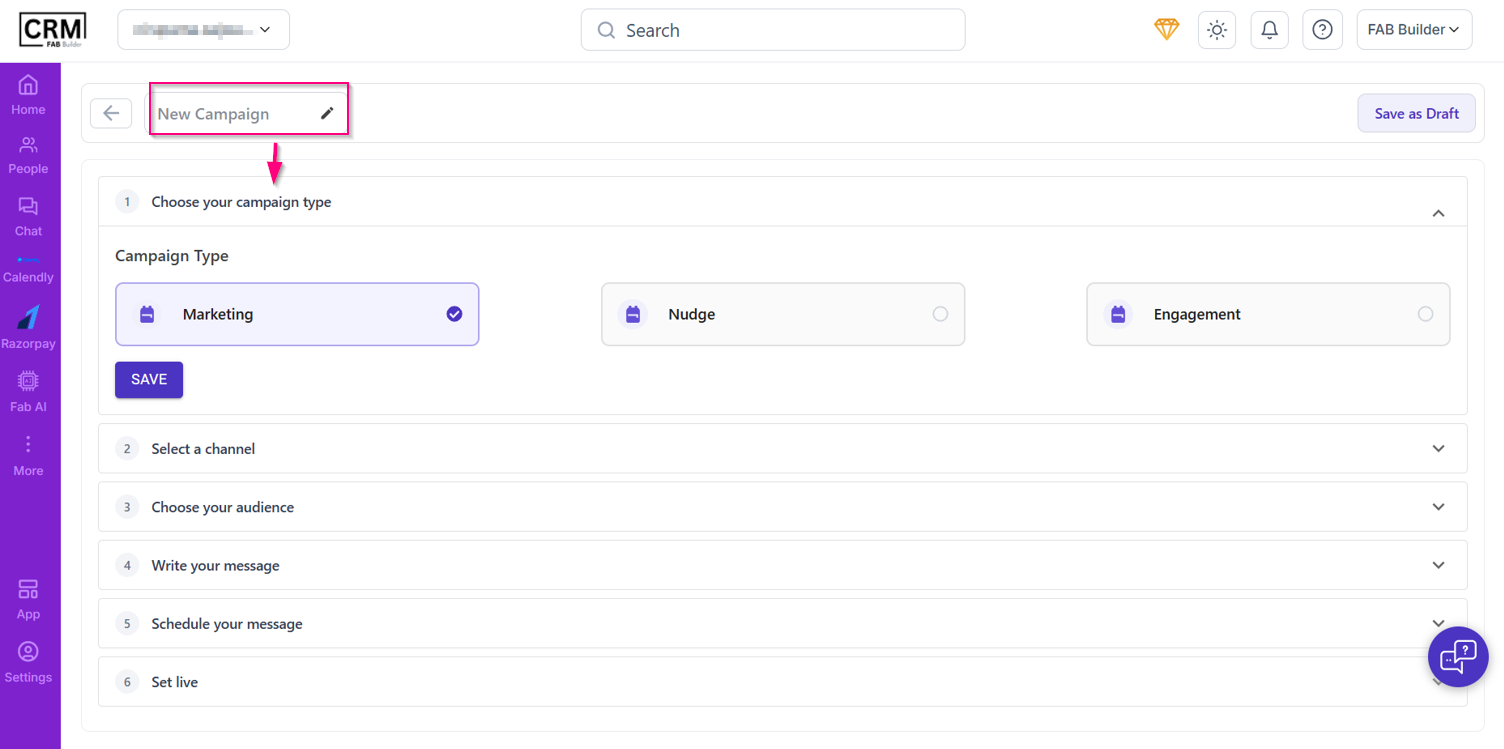
Screen- New Campaign
Steps to Create a Campaign
1. Choose Your Campaign Type
Select the purpose of your campaign:
- Marketing
- Used for promotions, offers, announcements, or sales messages.
- Nudge
- Used for reminders or follow-ups (e.g., payment reminder, form completion).
- Engagement
- Used to interact with users and keep them engaged (e.g., welcome messages, updates).
Click Save after selecting the campaign type.
2. Select a Channel
Choose the communication channel to send your campaign:
- SMS
- Push notification (based on availability)
3. Choose Your Audience
Define who should receive the campaign:
- Leads
- Customers
- Filtered segments
- Specific lists
4. Write Your Message
Create the content of your campaign:
- Text message
- Media (image, document, link)
- Personalization using lead fields
5. Schedule Your Message
Decide when the campaign should be sent:
- Send immediately
- Schedule for a future date and time
6. Set Live
Review all details and make the campaign live.
Once live, the campaign will start sending messages as scheduled.
Additional Options
Save as Draft
- Saves the campaign without sending it
- Useful if you want to complete it later