This screen displays a list of meetings scheduled through Calendly that are synced into the CRM. It helps users track, view, and join scheduled meetings directly from the system.
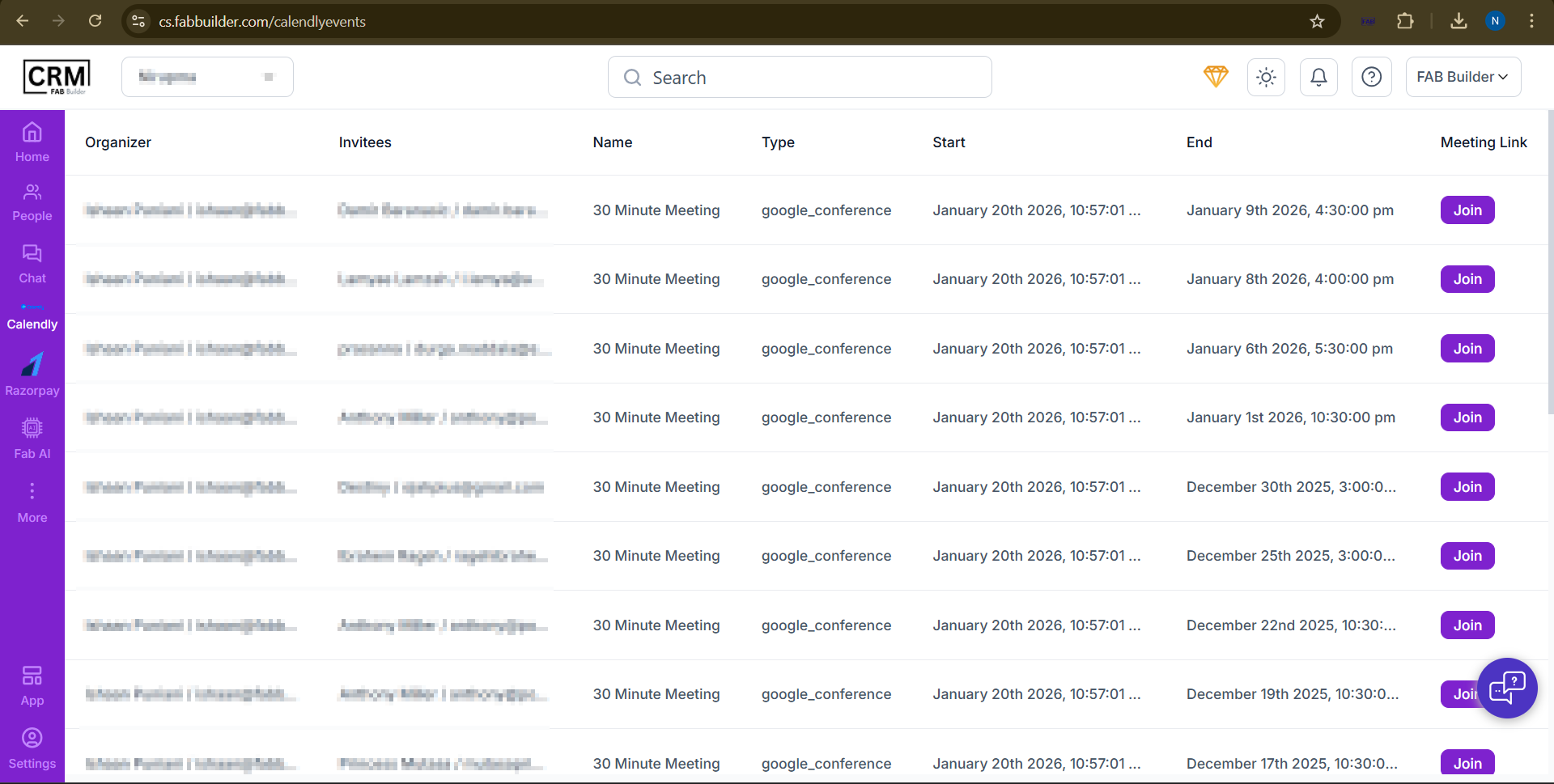
Screen-Calendly
Screen Details:
- Organizer: The user who scheduled or owns the meeting.
- Invitees: Participants invited to the meeting.
- Name: Name of the meeting (e.g., 30 Minute Meeting).
- Type: Meeting type or platform used (e.g., Google Conference).
- Start: Meeting start date and time.
- End: Meeting end date and time.
- Meeting Link: Click Join to join the meeting instantly.