Activities Tab
Activity records are automatically added when a communication is performed, allowing users to track lead interactions without manual updates. Users can also filter activities by channel, team member, and date range. Viewing Activity DetailsUsers can click on any activity displayed in the calendar to view detailed information about that activity. The details screen provides the complete communication history associated with the selected activity, allowing users to review messages and interaction records. PurposeThe Activities tab provides a timeline view of communication activities and helps users track when interactions occurred and review the corresponding communication details. Use CaseA manager wants to review activities performed by a team member during a specific week. By selecting an activity from the calendar, the manager can view the complete communication details and interaction history related to that activity.
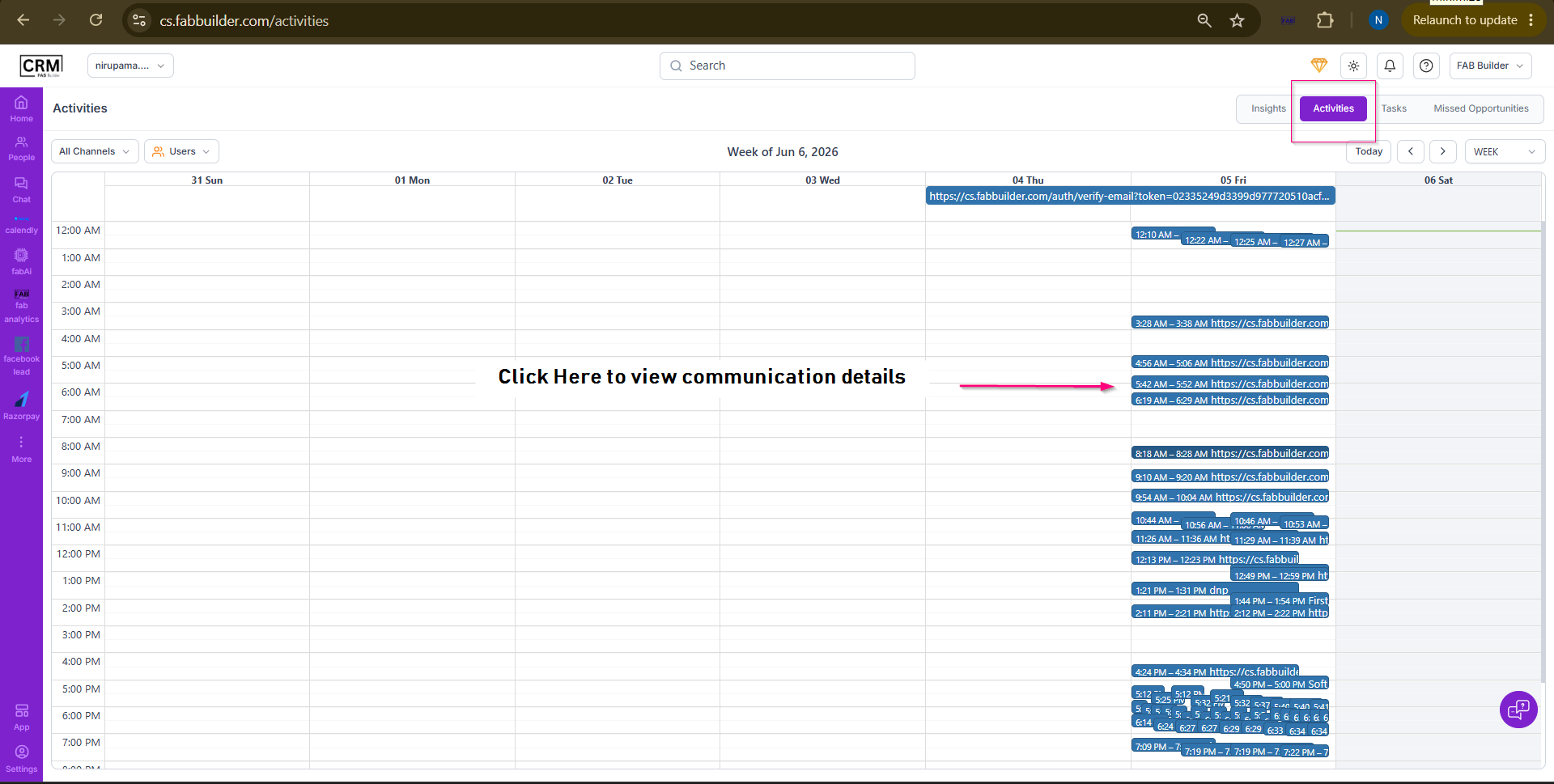 Screen-Activity 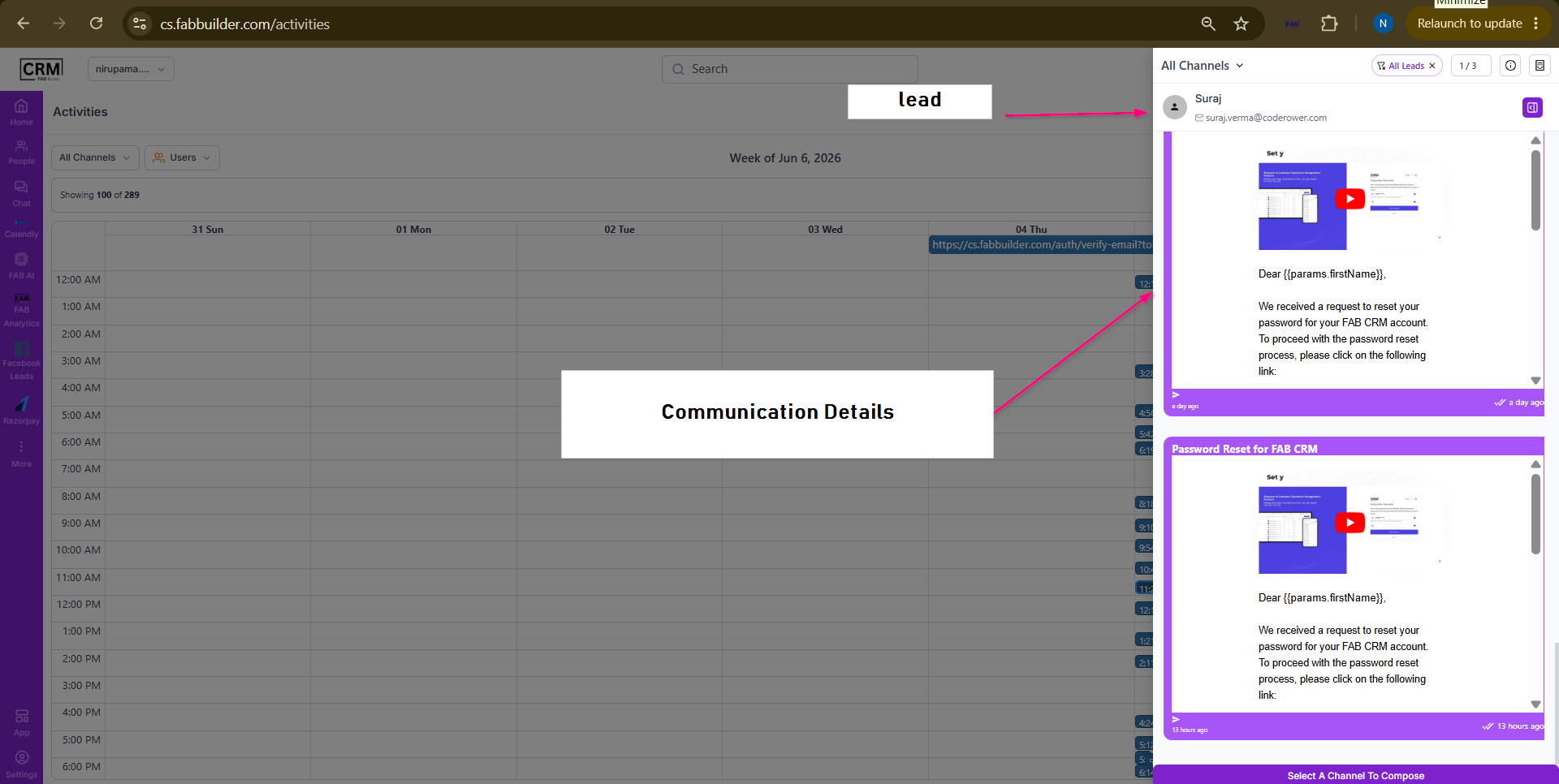 Screen- View Comminucation Activity |